

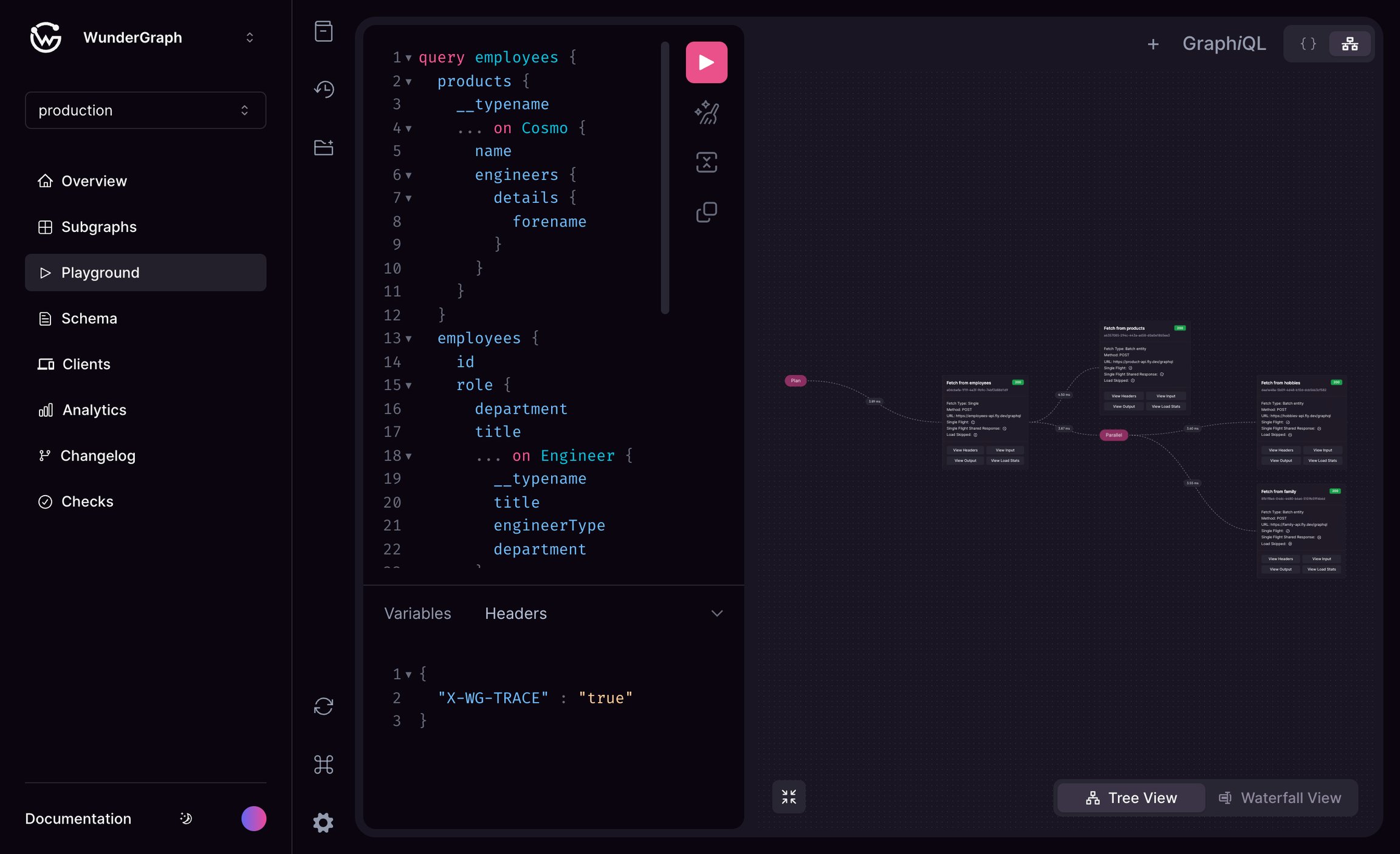
Enhanced GraphiQL Playground
X-WG-TRACE header must be included to enable the visualization. It is available in 2 modes tree view and waterfall view.
For more information about Advanced Request Tracing (ART) click here
Choosing what to query
The dropdown in the playground toolbar selects what the editor validates against and where requests are sent:- Graph sends requests to the router and uses the federated client schema.
- Feature flags send requests to the router with the
X-Feature-Flagheader set to that flag, and use the flag’s composed client schema. Only flags in the graph’s latest valid composition are listed. - Subgraphs send requests to the subgraph’s own routing URL, bypassing the router, and use the schema that subgraph contributed to the latest composition.
- Feature subgraphs are listed under the feature flag they belong to. They send requests to the feature subgraph’s own routing URL, bypassing the router, and use the schema version that flag’s composition pinned. No
X-Feature-Flagheader is sent, since the router is not in the request path.
A feature subgraph appears under a feature flag rather than in the Subgraphs group because feature flags compose independently, so the same feature subgraph can be pinned at a different schema version by each flag that contains it. See Feature Flags.
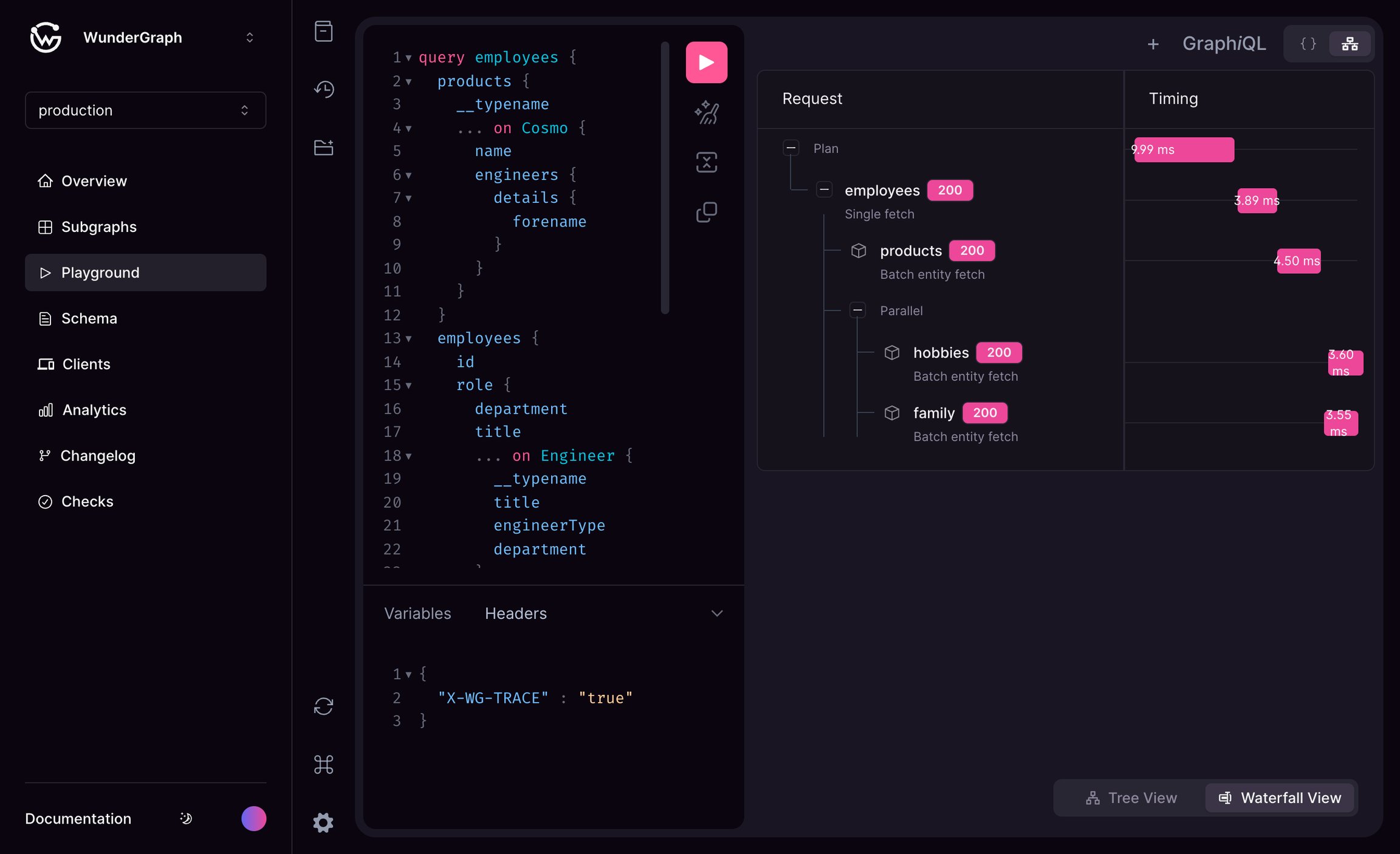
Waterfall View